WhatsApp AI Assistant: The Complete 2026 Guide
Everything you need to know about adding an AI to WhatsApp in 2026 — from hosted chatbot platforms to n8n automation to OpenClaw self-hosted deployment.
WhatsApp AI Assistant: The Complete 2026 Guide
WhatsApp is the world’s most-used messaging platform, with over 2 billion active users. Adding an AI assistant to your WhatsApp conversations — one that can answer questions, draft messages, summarise documents, and help you think through problems — is one of the highest-leverage things you can do with modern AI. But the path to a WhatsApp AI assistant is not as straightforward as it might seem. This guide covers all the options.
The Three Approaches to AI on WhatsApp
Option 1: Hosted Chatbot Platforms
Platforms like Tidio, ManyChat, and Intercom offer WhatsApp integrations aimed primarily at businesses with customer service use cases. You connect your WhatsApp Business account, define a conversation flow, and deploy a chatbot.
Pros: Easy to set up, no technical knowledge required, pre-built templates.
Cons: Limited AI quality (most use rule-based flows or older LLM versions), per-message pricing that escalates quickly, your data processed on the vendor’s servers, not suitable for personal use.
These platforms work well for simple FAQ bots on business WhatsApp accounts. They’re not suitable if you want a genuine AI assistant — the kind that can handle nuanced, open-ended questions and help you with real intellectual work.
Option 2: n8n or Zapier Automation
n8n and Zapier allow you to build WhatsApp automation workflows that connect to AI APIs. A typical flow: incoming WhatsApp message → trigger → OpenAI API call → send response back via WhatsApp.
Pros: Flexible, can integrate many services, n8n is self-hostable.
Cons: Significant setup complexity (building and maintaining workflows), brittle (breaks when APIs change), no persistent conversation memory by default, not designed for real-time conversational AI. Zapier’s pricing is per-task, which becomes expensive with active use.
This approach works for specific automated tasks (e.g., “every Monday, send me a WhatsApp summary of my emails”) but falls short as a real conversational AI assistant.
Option 3: OpenClaw Self-Hosted Gateway
OpenClaw is purpose-built as a conversational AI gateway — its entire architecture is designed around reliable, context-aware messaging channel integration. For a WhatsApp AI assistant that actually works like a personal assistant, this is the right approach.
Pros:
- Full conversational context maintained across all messages
- Connects to the most capable AI models (GPT-4o, Claude 3.5 Sonnet, Gemini 2.0)
- Data stays on your server
- Supports WhatsApp, Telegram, Discord, and iMessage from a single installation
- Highly customisable — system prompts, plugins, personas
Cons:
- Requires WhatsApp Business API setup (phone verification, Meta Developer Console)
- Needs a server (VPS or similar) running 24/7
- Initial setup takes 1–3 hours for a technical user
The WhatsApp Business API setup is the main friction point. It requires a Meta Business Account, phone number verification, and potentially business verification (a process that can take several days). Once complete, the integration is reliable and production-grade.
Why Managed Setup Makes Sense for WhatsApp
The Meta WhatsApp Business API is notoriously involved for first-time users. Common blockers include:
- Phone number already associated with a consumer WhatsApp account
- Business verification requirements for sending first messages
- Webhook configuration requiring a publicly accessible HTTPS endpoint
- Token management (temporary vs permanent access tokens)
- Test number limitations before verification completes
For non-technical users — or technical users who simply value their time — having someone handle this process eliminates days of troubleshooting. The resulting WhatsApp AI assistant via OpenClaw works exactly the same way regardless of who set it up; the difference is how much of your time was spent getting there.
What a Working WhatsApp AI Assistant Looks Like
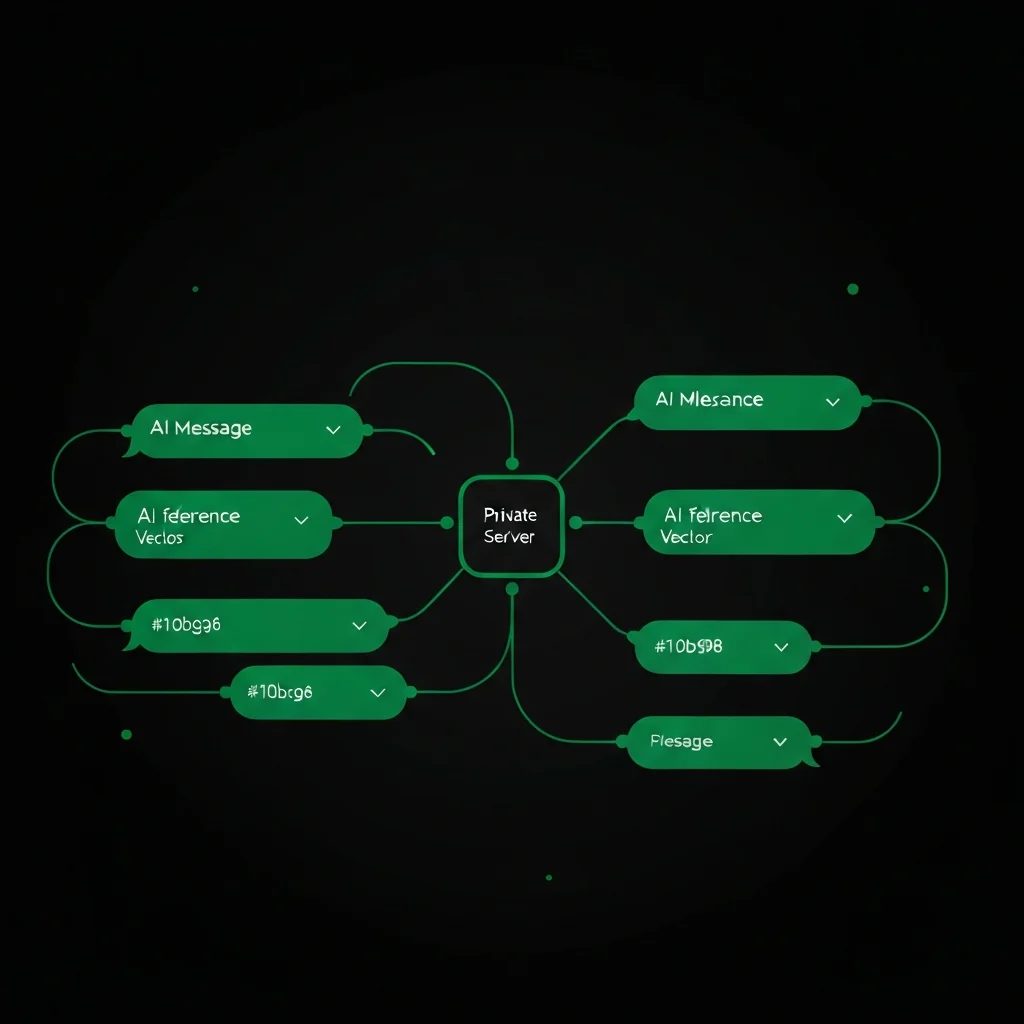
Once configured, your OpenClaw WhatsApp integration works like this:
- You send a message in WhatsApp — any message, any topic
- OpenClaw receives it and passes it to your AI provider with your system prompt and conversation history
- The AI generates a response
- OpenClaw delivers it back to you in WhatsApp, typically within 2–4 seconds
You can ask questions, request drafts, summarise documents you paste in, do research, work through decisions — everything you can do with ChatGPT, but from WhatsApp, with your data on your server.
With the plugins system, you can also extend this: ask your WhatsApp AI to check your calendar, search the web, or pull information from a knowledge base.
Getting Started
The fastest path to a working WhatsApp AI assistant:
- DIY route: Follow our detailed WhatsApp setup guide — plan for 2–3 hours including Meta verification wait times.
- Managed route: Contact us and we handle the entire setup — Meta API registration, OpenClaw configuration, channel testing — and deliver a working assistant, typically within 48 hours.
For personal use, start with the Telegram integration first (5-minute setup) to see OpenClaw working, then add WhatsApp once you’re ready for the Business API process.
Get your WhatsApp AI assistant set up today — no technical knowledge required.
Ready for Your Personal AI Assistant?
Free 30-minute consultation. We'll assess your setup and recommend the right OpenClaw configuration for you.
Talk to an Expert